Frequently Asked Questions
What problems does driving school scheduling software solve?
Driving school scheduling software eliminates manual scheduling systems and reduces operational errors for driver education schools.
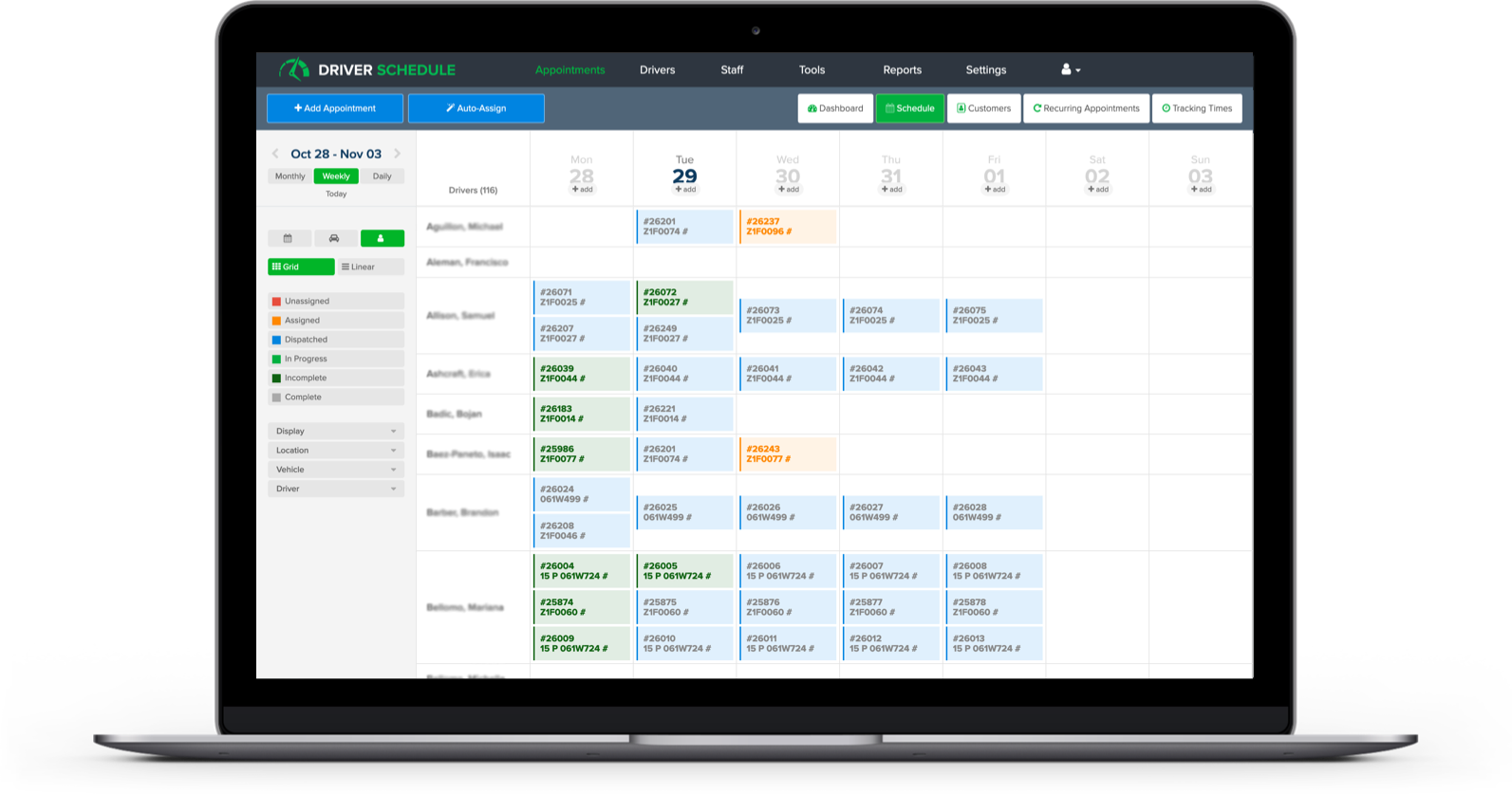
Driver Schedule replaces spreadsheets, whiteboards, paper calendars, and text-message coordination with one centralized platform.
It helps driving schools:
- Prevent double-booking of instructors or training vehicles
- Reduce missed lessons and scheduling conflicts
- Eliminate outdated schedule versions
- Improve coordination between instructors, students, and office staff
- Centralize lesson and road test assignments
- Increase real-time operational visibility
For driving schools managing student lessons, road test preparation, and instructor availability, this reduces administrative workload while improving scheduling accuracy.
Is there a mobile app for driving school instructors?
Yes. Driver Schedule includes a mobile app designed for driving instructors.
The mobile app allows instructors to:
- View real-time lesson schedules
- Receive push notifications and SMS updates
- Access student lesson details instantly
- Get notified about schedule changes
- Stay aligned with the live schedule
Administrative controls, reporting, and scheduling oversight are handled through the secure web dashboard, giving office teams full operational visibility.
This ensures instructors and administrative staff always work from the same live schedule.
How long does it take to implement driving school scheduling software?
Most driving schools can begin using Driver Schedule in under 2 hours.
Getting started typically involves:
- Creating your account
- Adding instructors and staff
- Building your first student lesson schedule
No technical training or IT integration is required. The platform is designed for immediate use by school administrators, scheduling coordinators, and instructors.
This allows driving schools to quickly transition from manual scheduling systems without disrupting daily lessons.
What makes Driver Schedule different from other driving school scheduling software?
Driver Schedule is purpose-built for driver-based scheduling operations.
Unlike generic employee scheduling tools, it is designed around:
- Student lesson scheduling
- Instructor coordination
- Training session assignments
- Real-time schedule updates
- Communication between instructors and staff
Most scheduling platforms are built for shift-based industries like retail or hospitality.
Driver Schedule is designed specifically for organizations coordinating drivers, instructors, and scheduled training sessions, resulting in fewer scheduling errors and smoother operations.
How does driving school scheduling software improve communication?
Driving school scheduling software improves communication by centralizing lesson assignments and automating updates.
Driver Schedule reduces back-and-forth phone calls by providing:
- Automated push notifications
- SMS lesson alerts
- Instant schedule updates
- Centralized lesson visibility
- Real-time change notifications
Instructors, students, and administrators all have access to the same live schedule.
This minimizes confusion and helps ensure lessons run on time.
Can driving school scheduling software scale as my school grows?
Yes. Driver Schedule is designed to scale with growing driving schools and driver education programs.
As schools expand, the platform helps:
- Standardize scheduling workflows
- Support larger instructor teams
- Manage higher lesson volumes
- Reduce administrative overhead
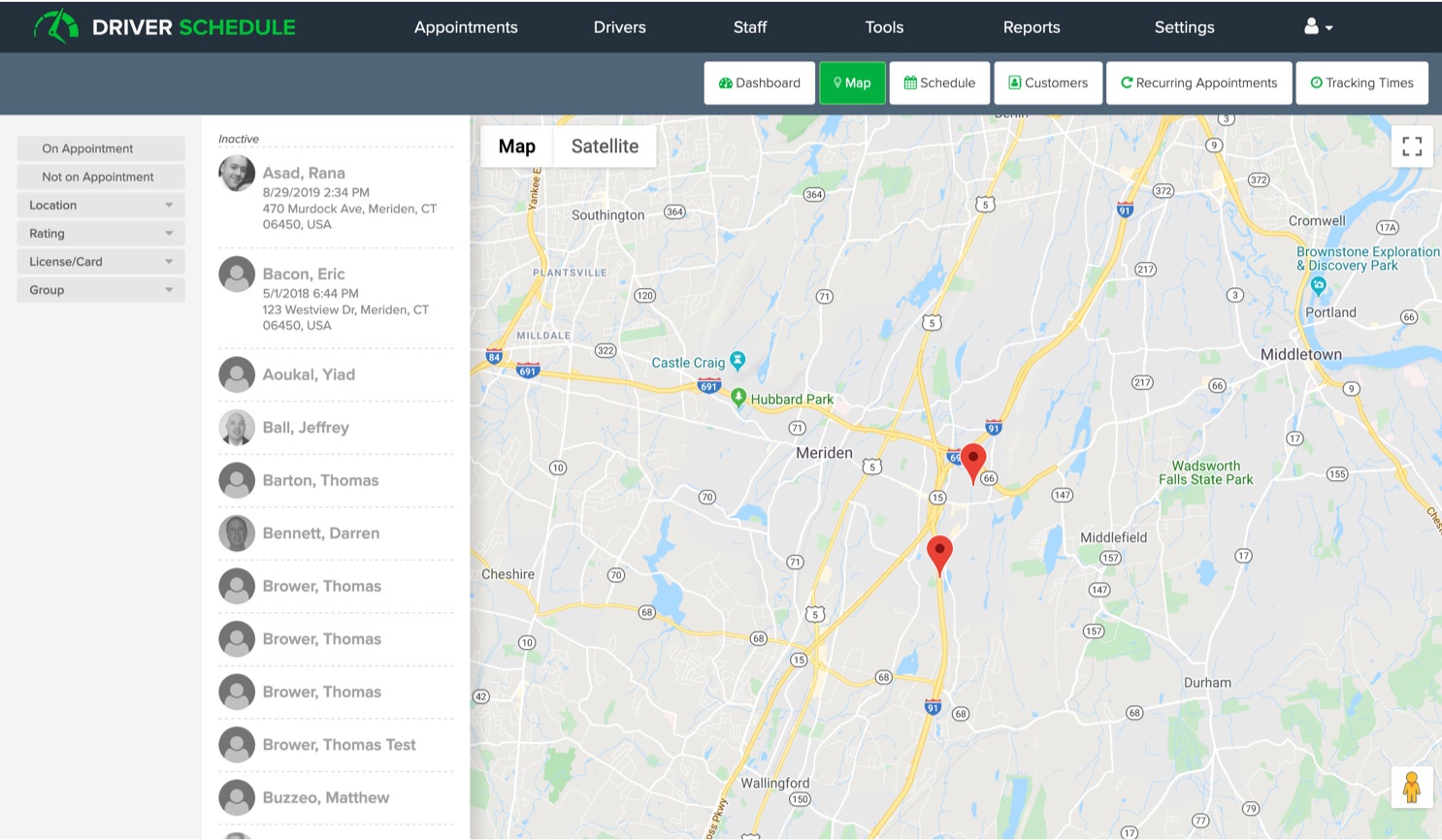
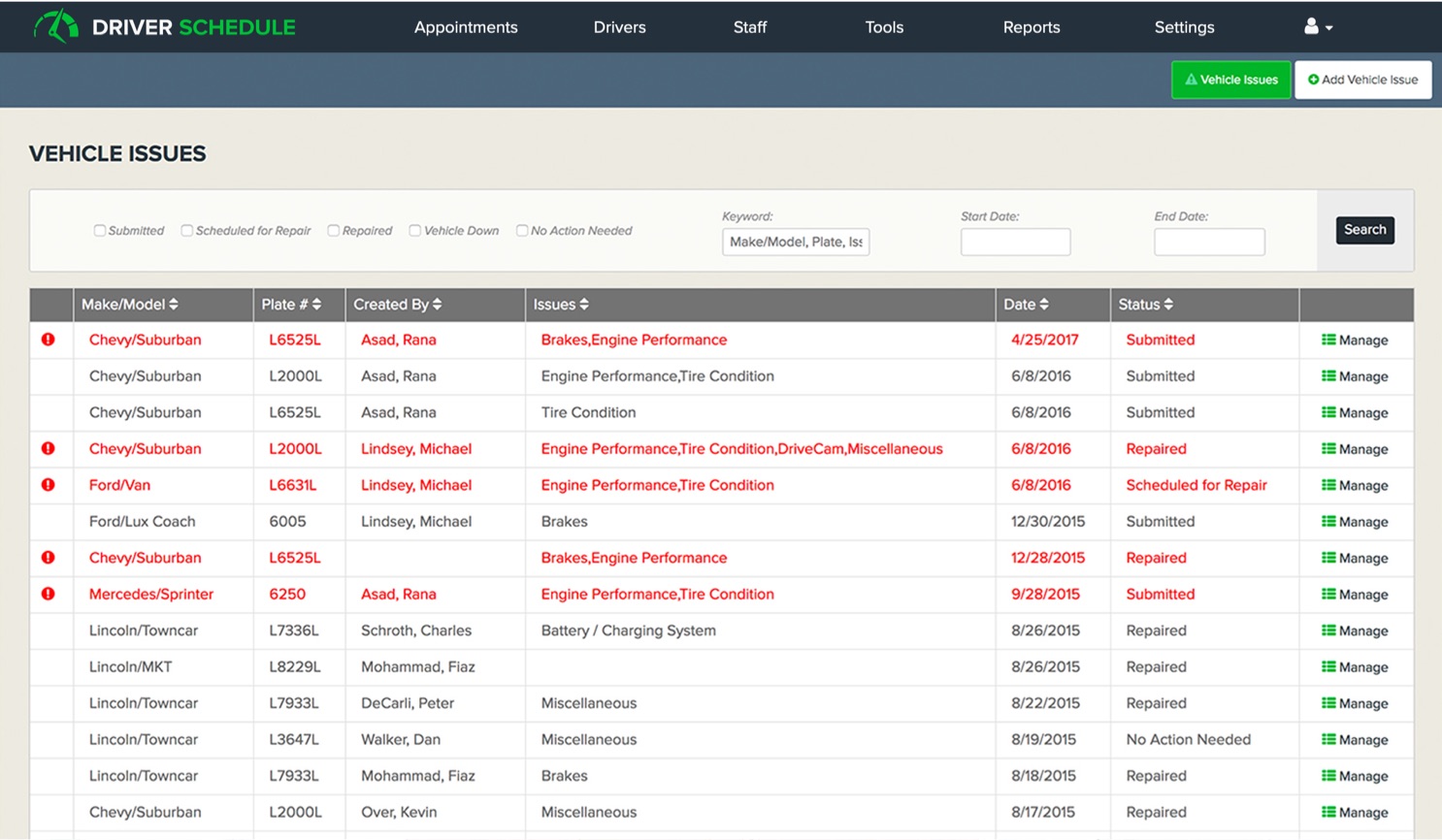
- Maintain visibility across multiple instructors and training vehicles
Without centralized scheduling software, scheduling complexity increases quickly as student demand grows.
Driver Schedule helps driving schools scale operations without proportionally increasing administrative staff.