
Posted on by Anthony Melluzzo
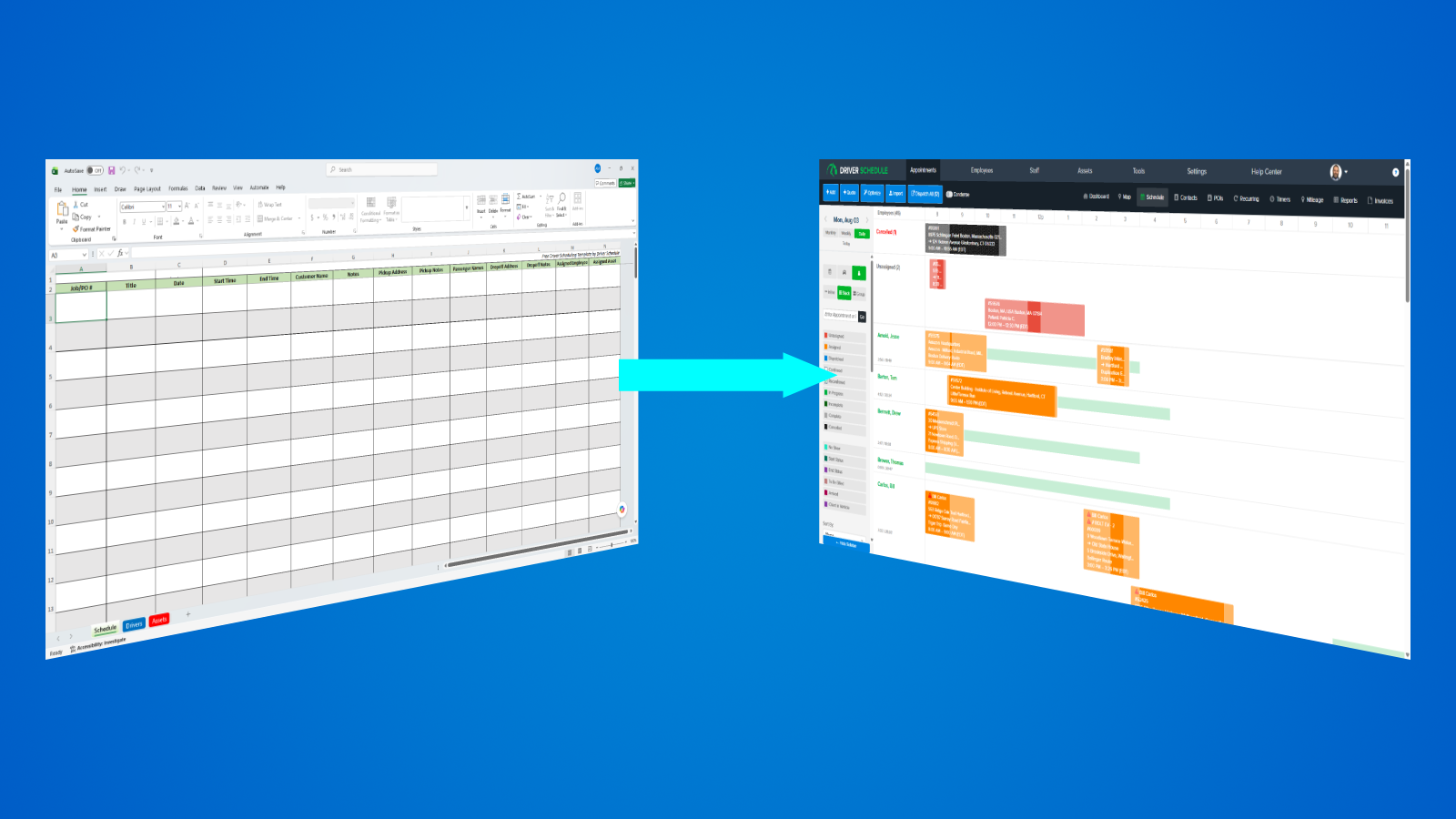
Most businesses don’t start with scheduling software; they start with what’s familiar and readily available: they start with an Excel spreadsheet. For small teams with predictable schedules, this often works surprisingly well. Excel is flexible, familiar, and doesn’t require learning a new system.
But Excel does have its limits, and as your business grows, your scheduling process will likely become more complicated, eventually asking Excel to do something it was never really designed to do. Recurring appointments, changing availability, multiple locations, and last-minute changes quickly turn spreadsheets into something that’s difficult to maintain long term.
So how do you know when you’ve reached that point?
Here are a few common signs that your business may have outgrown the typical spreadsheet scheduling.
1. You’re constantly updating the schedule
At first, changing a schedule at a moment’s notice is quick and easy – open the spreadsheet, move a few names around, click Save, and done. But over time, as you start growing and adding more employees, these quick changes start happening every day. Employees call out sick. Customers cancel or reschedule appointments. Drivers swap shifts. New jobs come in unexpectedly.
Eventually, you’re spending more time maintaining your spreadsheet than actually managing your operation.
Ask yourself, “How many times does someone on the team need to edit the schedule each day?”
If the answer is “constantly”, it may be time to consider a different approach.
2. You’ve got “Dead Document Syndrome”
If you’ve ever heard “Which spreadsheet is the current one?”, you’re not alone. You’ve got Dead Document Syndrome: when you always seem to be one step behind because you’re working with outdated information.
In businesses where your day-to-day schedule is constantly changing, having pen-and-paper or printed documents can actually be doing more harm than good. As soon as you print that schedule, it’s a dead document. Any second from now, that schedule could change and you are working with outdated information without even knowing it. Printing out multiple versions of the same document each day can also lead to different people working from different versions.
That confusion alone can lead to missed shifts, late arrivals, or employees showing up at the wrong time.
A single, always-current schedule removes that uncertainty.
3. You’re growing beyond one location or manager
Managing one office is very different from managing three.
As companies grow, different managers often need access to different employees, vehicles, or schedules. If you’re using Excel to try and manage multiple locations, sharing spreadsheets across the locations or departments quickly becomes difficult to keep organized.
Questions like “Who made this change?”, “When did this get updated?”, or “Who’s in the sheet right now?” become infuriatingly common.
4. Scheduling is taking up too much of your day
When your business was smaller, building tomorrow’s schedule probably wasn’t a huge ordeal. You’d spend a few minutes moving people around, make a quick phone call if someone couldn’t work, and get on with the rest of your day.
Now your business has grown and so have the demands on your schedule.
Now you’ve got more employees, more customers, more appointments, and more last-minute changes than you used to. Every time the phone rings, there’s a chance the schedule is about to change again.
Before long, someone in the office becomes “the schedule person”.
By the end of the day, that person has spent hours updating the spreadsheet, answering texts, making phone calls, and trying to make sure that everyone is looking at the same schedule.
At some point, you have to ask whether you’re still managing your business or just managing a schedule.
If keeping your spreadsheet accurate has quietly become someone’s primary responsibility, that’s often a sign that you’ve outgrown the spreadsheet. Not because Excel stopped working, but because your business has outgrown the way you’re using it.
So, What’s Next?
If several of these signs sound familiar, then it may be worth looking into scheduling tools designed to handle your business needs – changing availability, employee communication, recurring schedules, and daily operational changes.
Whether you’re managing drivers, dispatchers, field technicians, or other mobile employees, the goal isn’t simply to replace Excel – it’s to spend less time managing schedules and more time running your business.
‹ Back to Blog